Logging in (with web interface)
Caution
Logging in to UBELIX is only possible from within the UniBE network. If you want to connect from outside, you must first establish a VPN connection. For VPN profiles and instructions see the official tutorial.
We provide interactive HPC access including various interactive apps through the browser-based UBELIX OnDemand service available at https://ondemand.hpc.unibe.ch.
First-time login:
Info
To access UBELIX, you must be a researcher or student at the University of Bern with a staff, student, or faculty Campus Account. Note that when using UBELIX, you accept and adhere to the terms of service
- Visit https://ondemand.hpc.unibe.ch in your web browser.
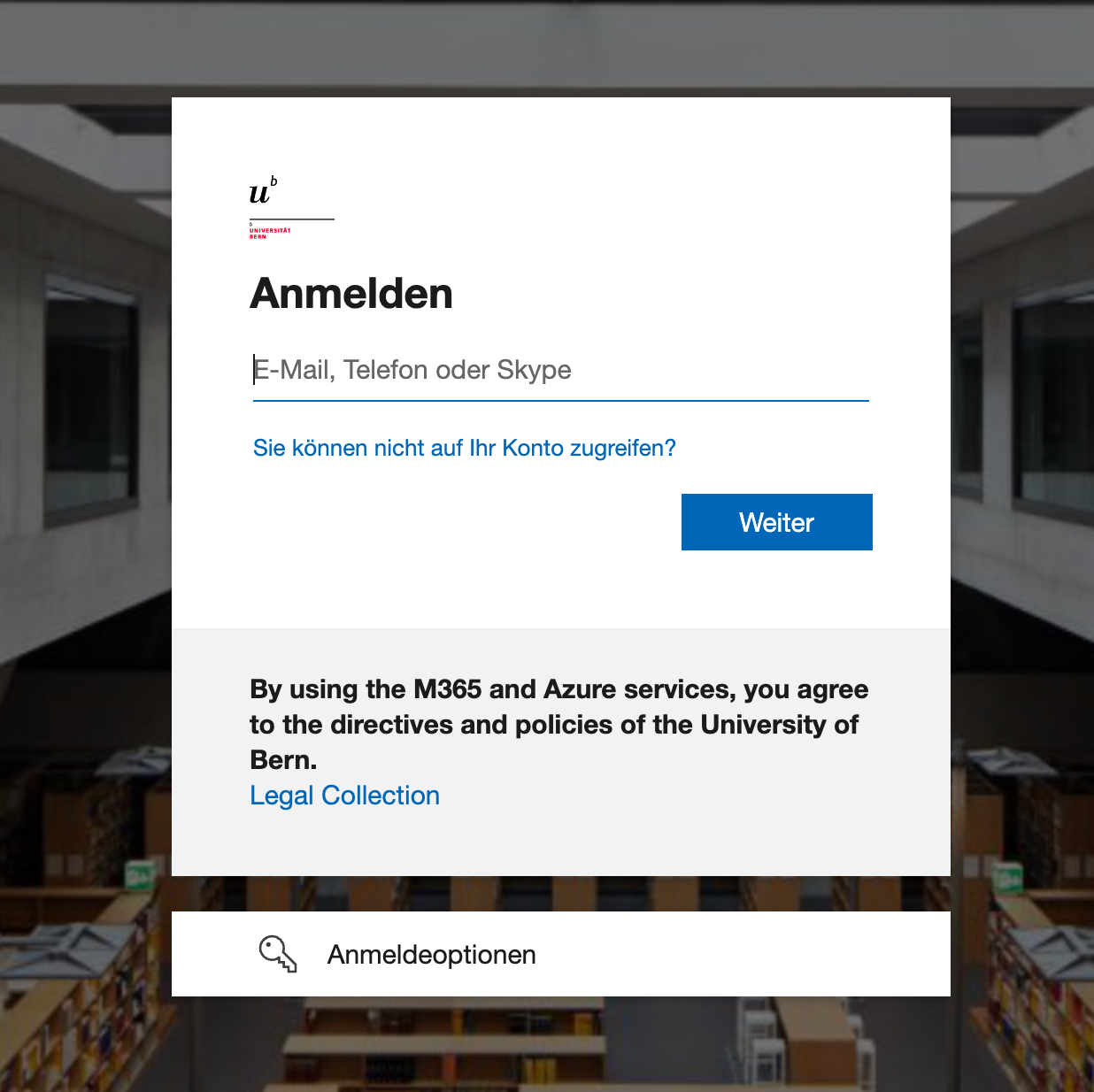
- You will be greeted by the Unibe Microsoft login screen. Use your @unibe.ch or @students.unibe.ch email address and the corresponding password to log in.
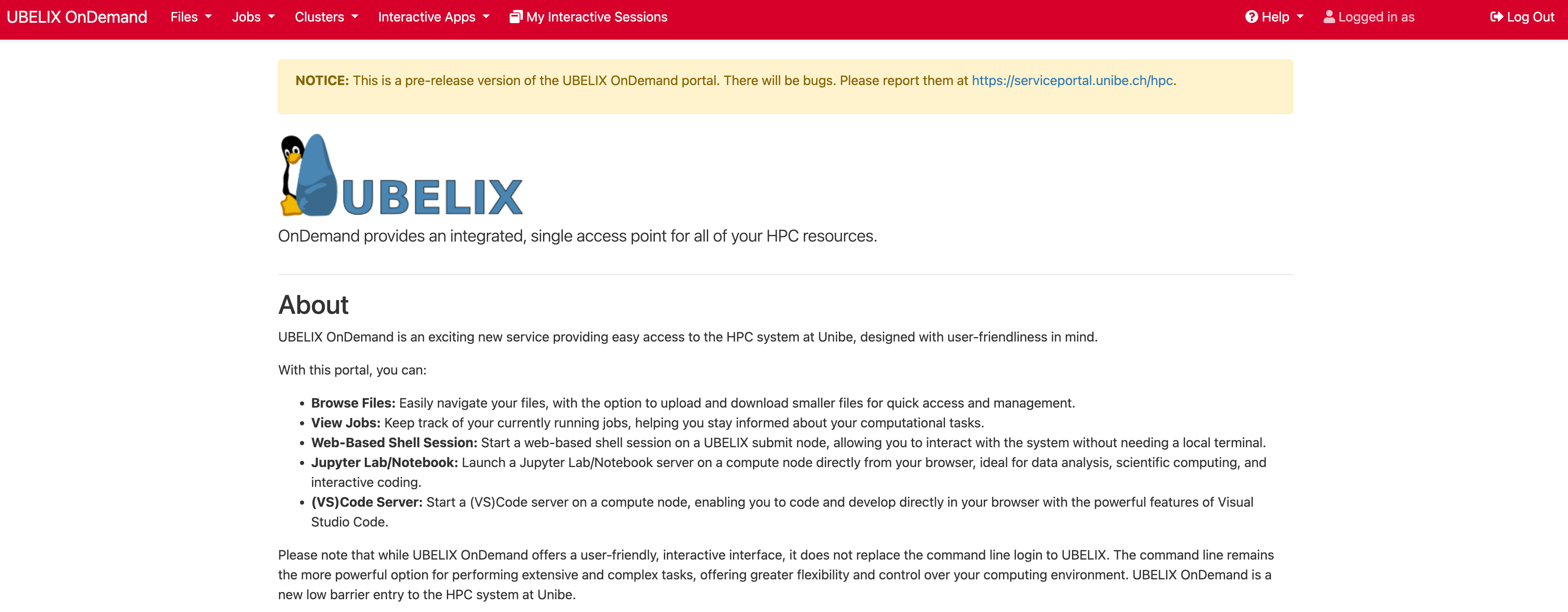
- Once the login is complete, you will see the UBELIX OnDemand dashboard; this means that your account has been created successfully.
- Want to log in using SSH? Check out our UBELIX SSH guide